Physics Simulation#
This toolkit introduces Genesis, a high-performance physics engine with native AMD GPU (ROCm/HIP) support. Through four progressive labs you will go from loading your first robot into a simulated scene to running hundreds of parallel environments on the GPU, laying the foundation for modern robot learning and reinforcement training.
Goals
Set up a Genesis simulation with a simulator, visualiser, and robot model
Apply PD controllers to stabilise and command a robot arm
Use Inverse Kinematics and motion planning to perform a pick-and-place task
Scale to massively parallel simulation for data-efficient reinforcement learning
Setting Up and Controlling Robots (PhySim01 to PhySim02)#
Note
What this section covers Genesis scene structure, GPU backend initialisation, loading robot models, and applying PD controllers to stabilise and command a robot arm.
PhySim01 - Hello Genesis: Load a Robot into a Scene#
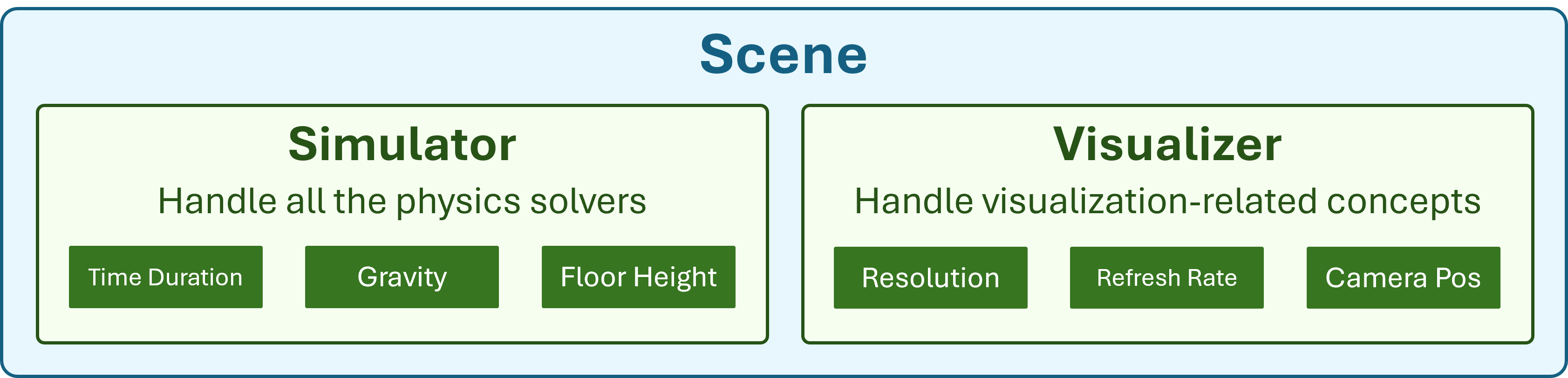
Set up your first Genesis simulation environment: initialise the AMD GPU backend, configure the simulator (time step, gravity, floor height) and visualiser (camera position, field of view, FPS), then load a robot model into the scene and step the simulation forward.
PhySim02 - Control Your Robot#
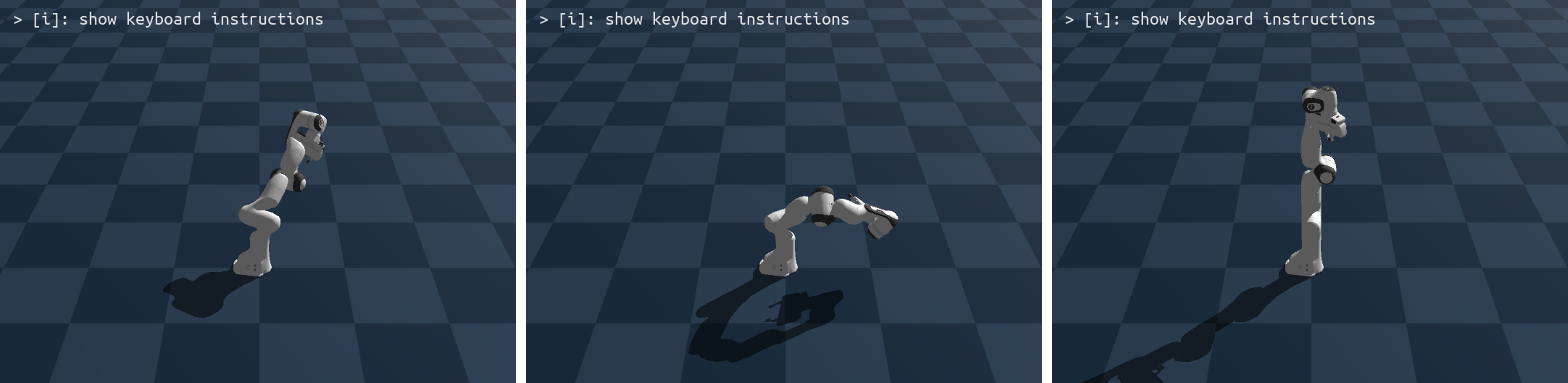
Without active control a robot arm simply collapses under gravity. In this lab you apply PD (Proportional-Derivative) controllers to stabilise the arm and command it to reach target joint positions. Learn how Genesis exposes built-in controllers and how to tune gains for stable motion.
Manipulation and Motion Planning (PhySim03)#
Note
What this section covers Inverse Kinematics for end-effector positioning and waypoint-based motion planning for a complete pick-and-place task.
PhySim03 - Grasping with IK and Motion Planning#
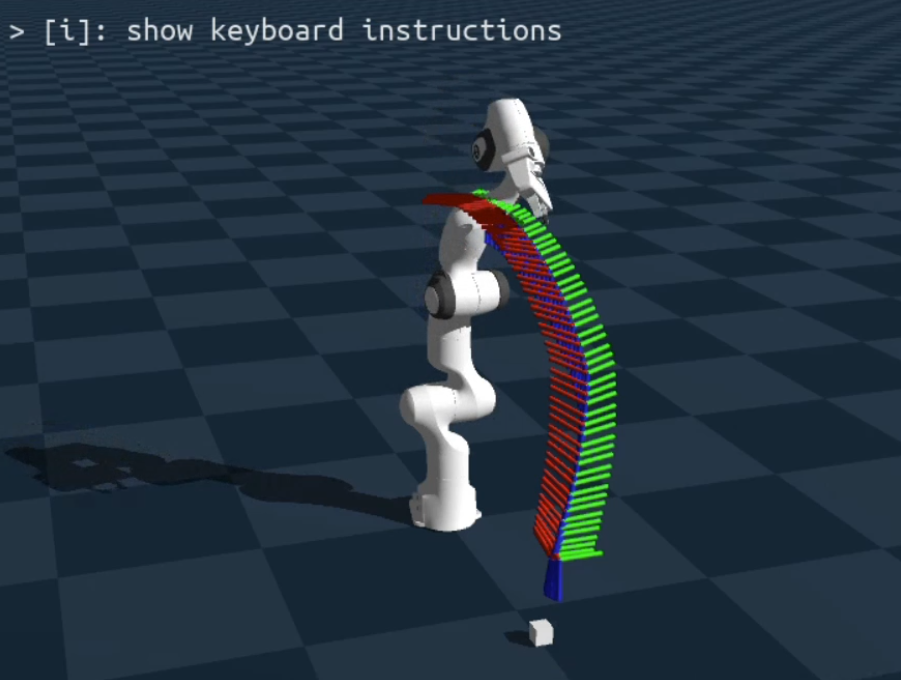
Implement a complete pick-and-place task: use Inverse Kinematics (IK) to automatically compute joint angles for a target end-effector pose, then chain IK waypoints into a motion plan to hover above, descend to, grasp, and lift a cube.
Scaling with Parallelism (PhySim04)#
Note
What this section covers Massive GPU-based parallelism for reinforcement learning. Run hundreds of independent environments simultaneously within a single Genesis scene.
PhySim04 - Parallel Simulation#
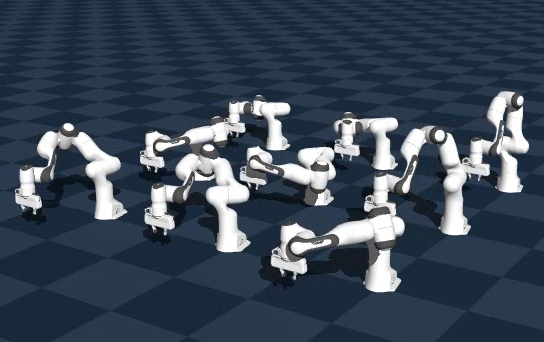
Scale up to massive parallelism by running hundreds of independent robot environments simultaneously on the GPU within a single Genesis scene. This is the key technique behind data-efficient reinforcement learning, generating thousands of experience trajectories in the time it would take to run one.
See also
Explore the other learning toolkits: Computer Vision, Deep Learning, LLM from Scratch.